Simple mechanic
Fast & competitive
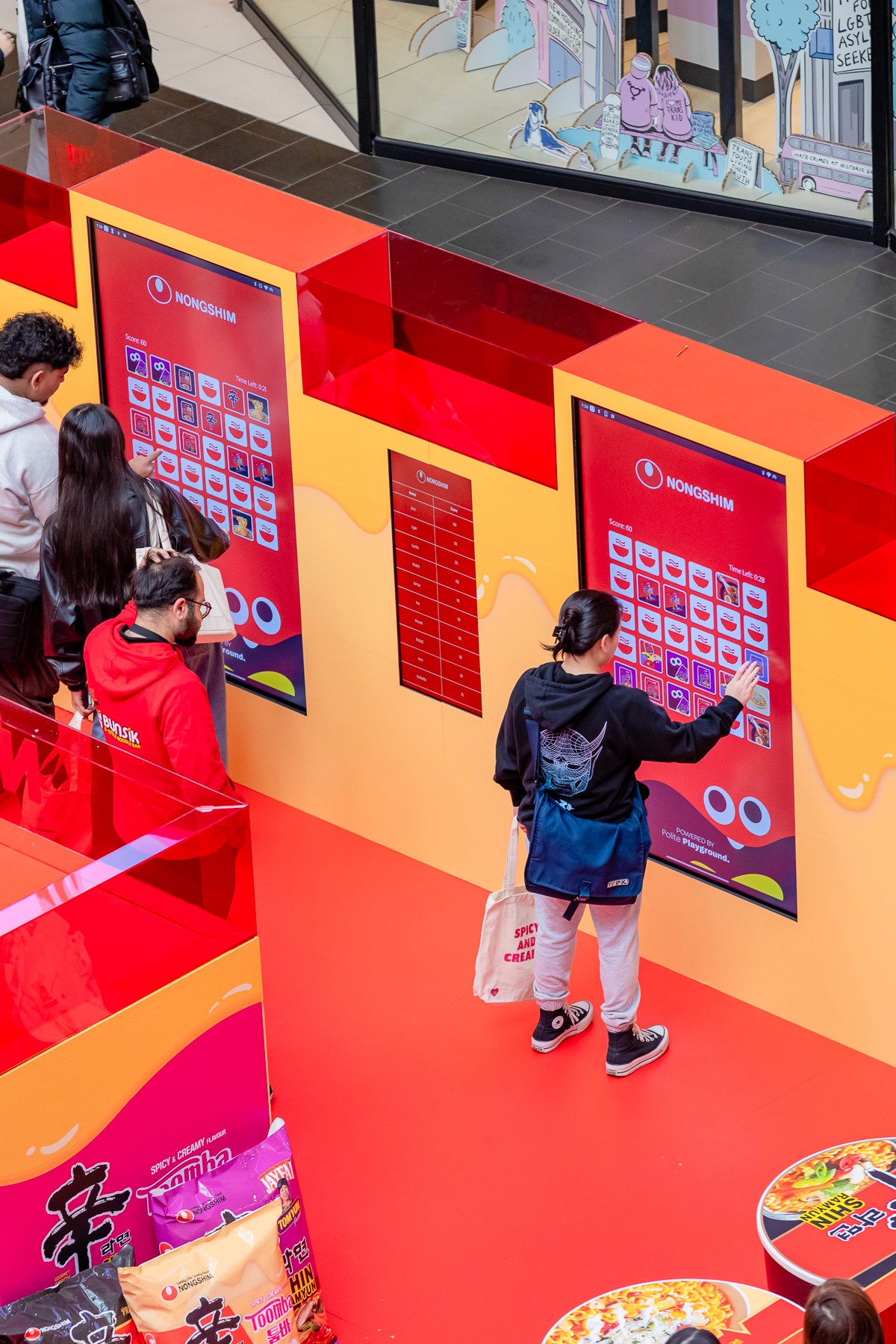
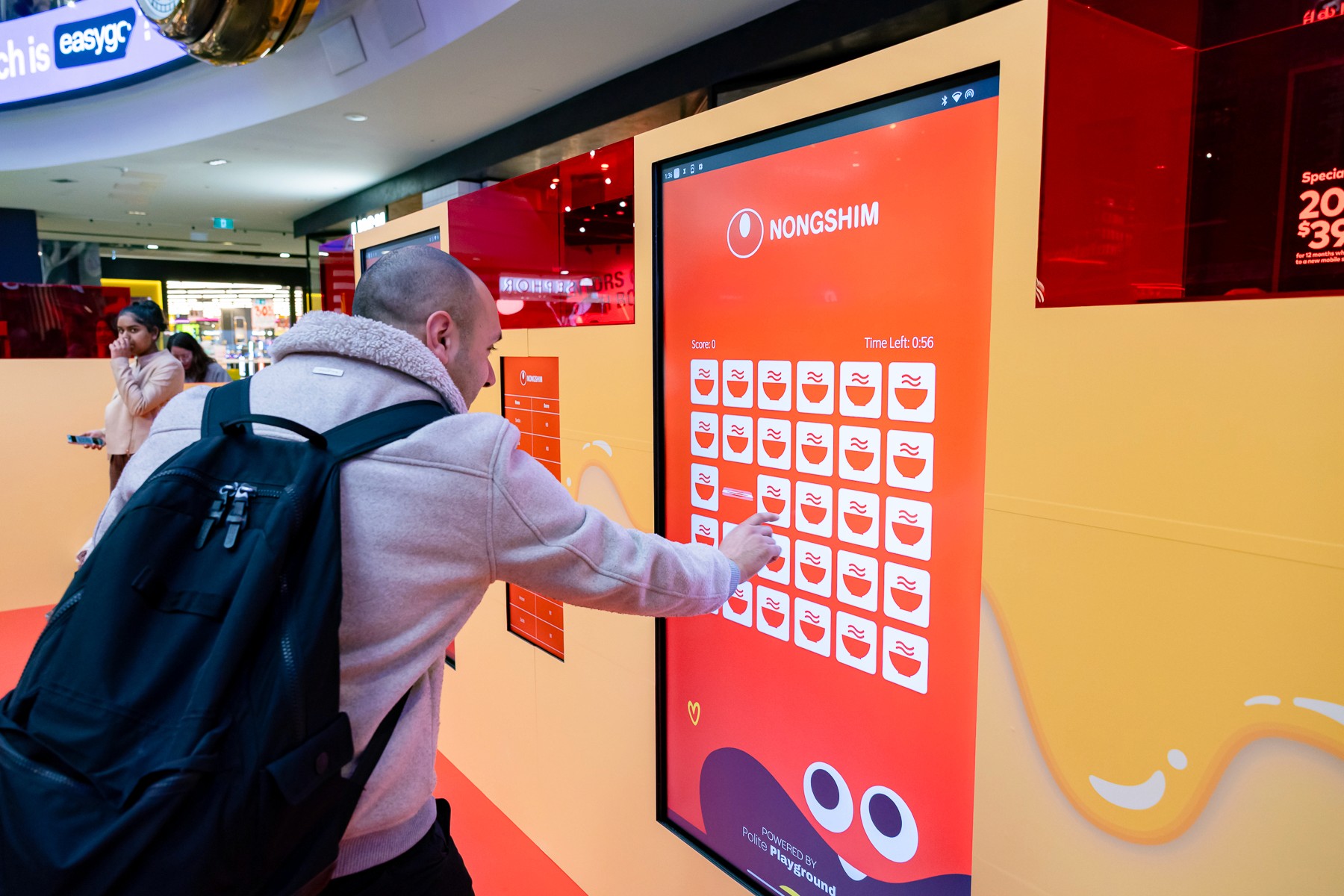
Step 1: Player Approaches the Screen
The game displays a grid of face-down branded cards. The player taps to start — no instructions needed, the mechanic is immediately intuitive.
Step 2: Find the Pairs
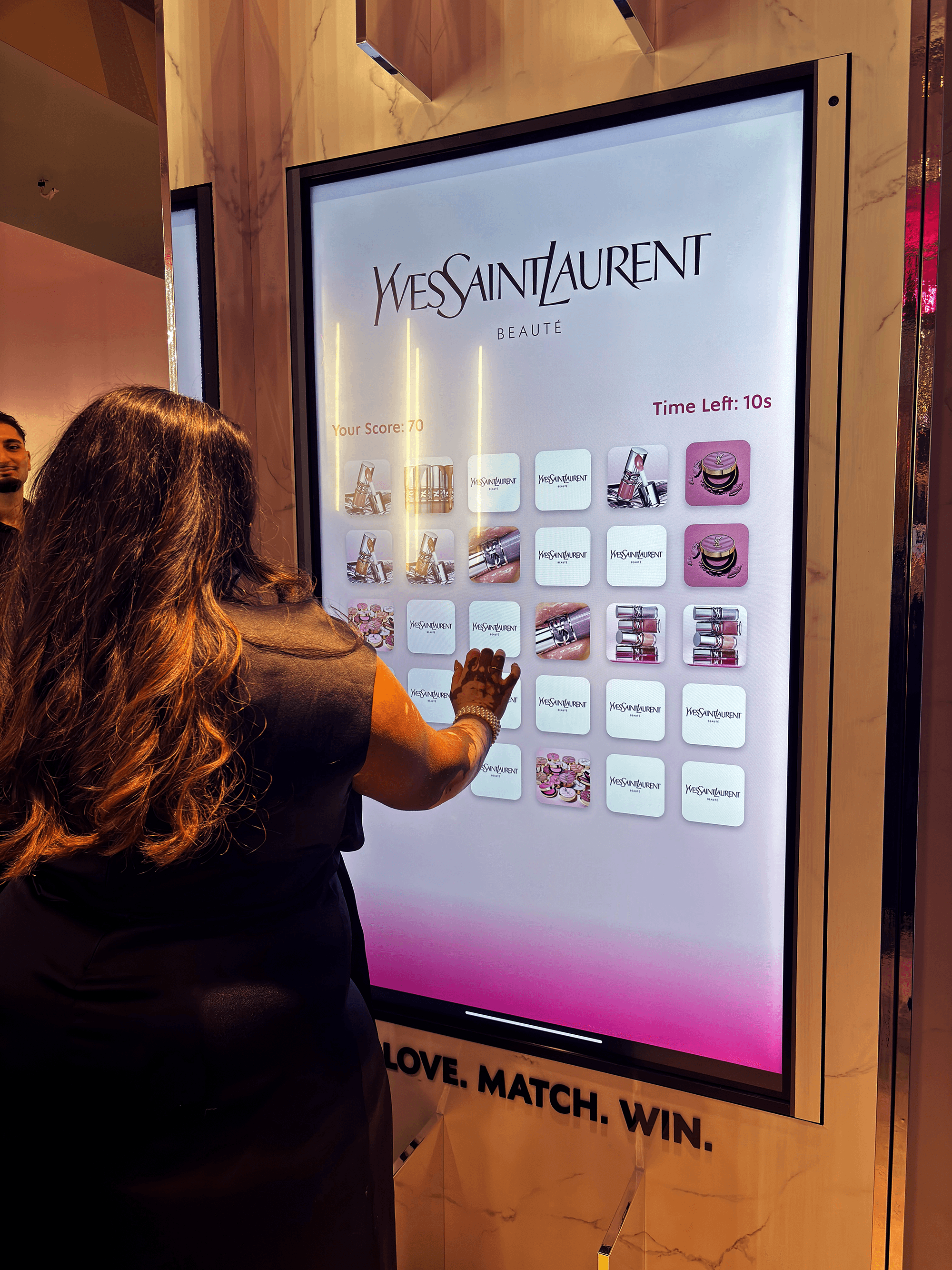
Cards flip to reveal branded images. Players must remember what they've seen and find matching pairs as quickly as possible before the timer expires.
Step 3: Score and Result
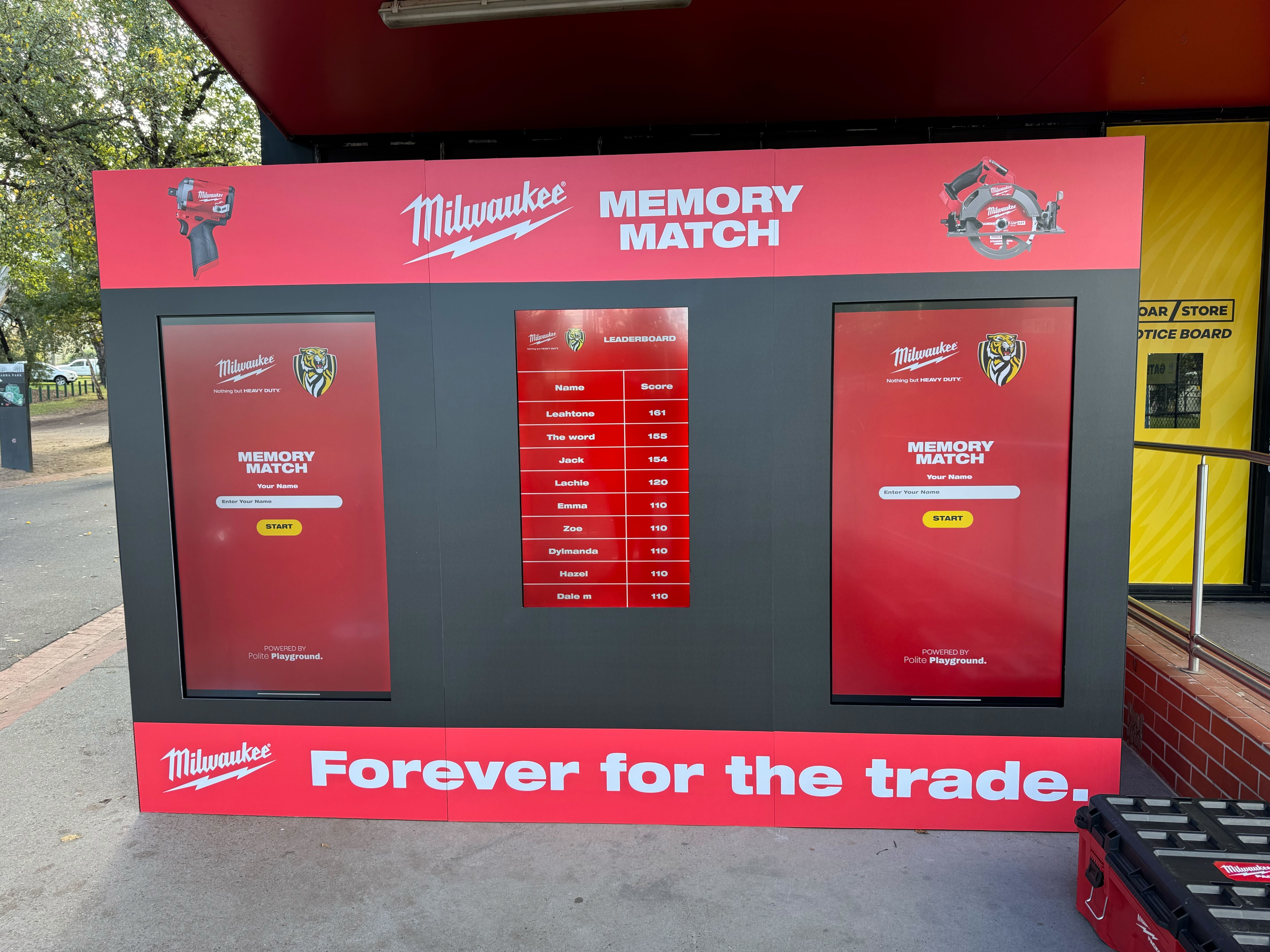
The game displays the player's score and time. If leaderboards are enabled, the player sees where they rank. Prize mechanics can trigger at this point based on score thresholds or random draw.
Step 4: Lead Capture
Players enter their details to save their score, claim a prize, or opt into brand communications — captured automatically into the PlayHive dashboard.
Card artwork — upload product imagery, campaign visuals, or brand assets
Brand colours, logo, and background design
Difficulty level — number of cards, grid size, and timer length
Leaderboard — on or off, reset between sessions or cumulative
Prize mechanics — score-based rewards or random draw
Lead capture fields — name, email, opt-in preferences
End-screen messaging — branded result screen with custom copy and CTA
Addictive
Lead capture
Easy to play
Highly addictive — the competitive mechanic drives repeat play and longer dwell time at activations
Accessible to every audience — no instructions needed, no barriers to participation
Product imagery integration — brand assets appear on every card, every flip, every session
High throughput — 20-45 second sessions mean large volumes of participants across a full activation day
Lead capture built in — every player interaction is a data opportunity





How difficult is Memory Match to set up?
Setup takes minutes. Upload your card artwork, set your difficulty level and prize mechanic, and the game is ready to run. No technical knowledge required.
Can we change the difficulty to suit different audiences?
Yes. Grid size, number of cards, and timer length are all adjustable. You can set a simpler configuration for family-friendly events and a harder version for competitive audiences.
Can the leaderboard reset between sessions?
Yes. You can choose to reset the leaderboard between individual sessions, between event days, or run a cumulative competition across the full activation.
What images can we use on the cards?
Any brand-owned imagery — product shots, campaign visuals, character assets, or abstract brand graphics. Our team can advise on image sizing and formatting if needed.